Fit rack resources to the hardware
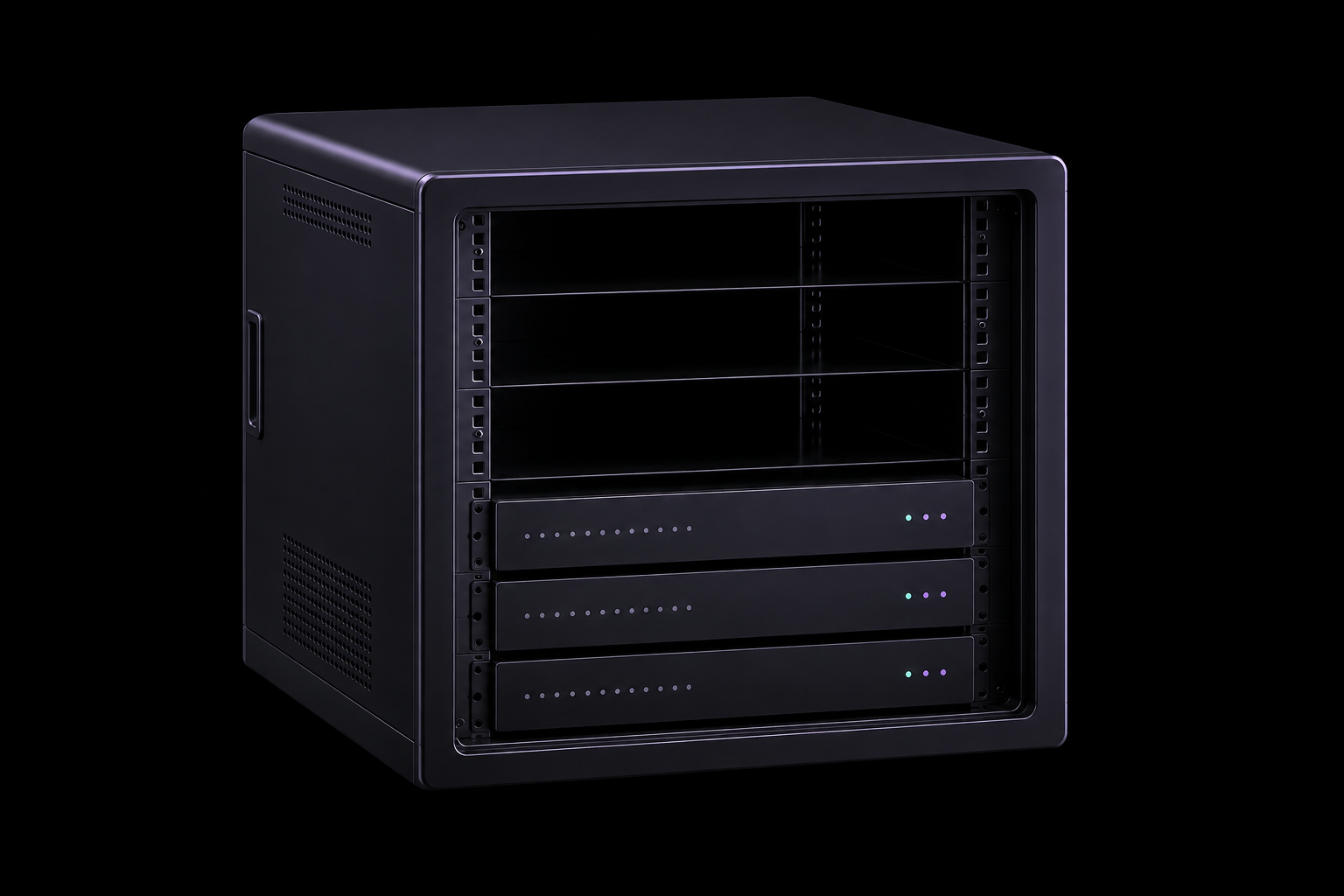
Use device count, form factor, and expansion plans to define U space or rack requirements.
Customer-owned hardware
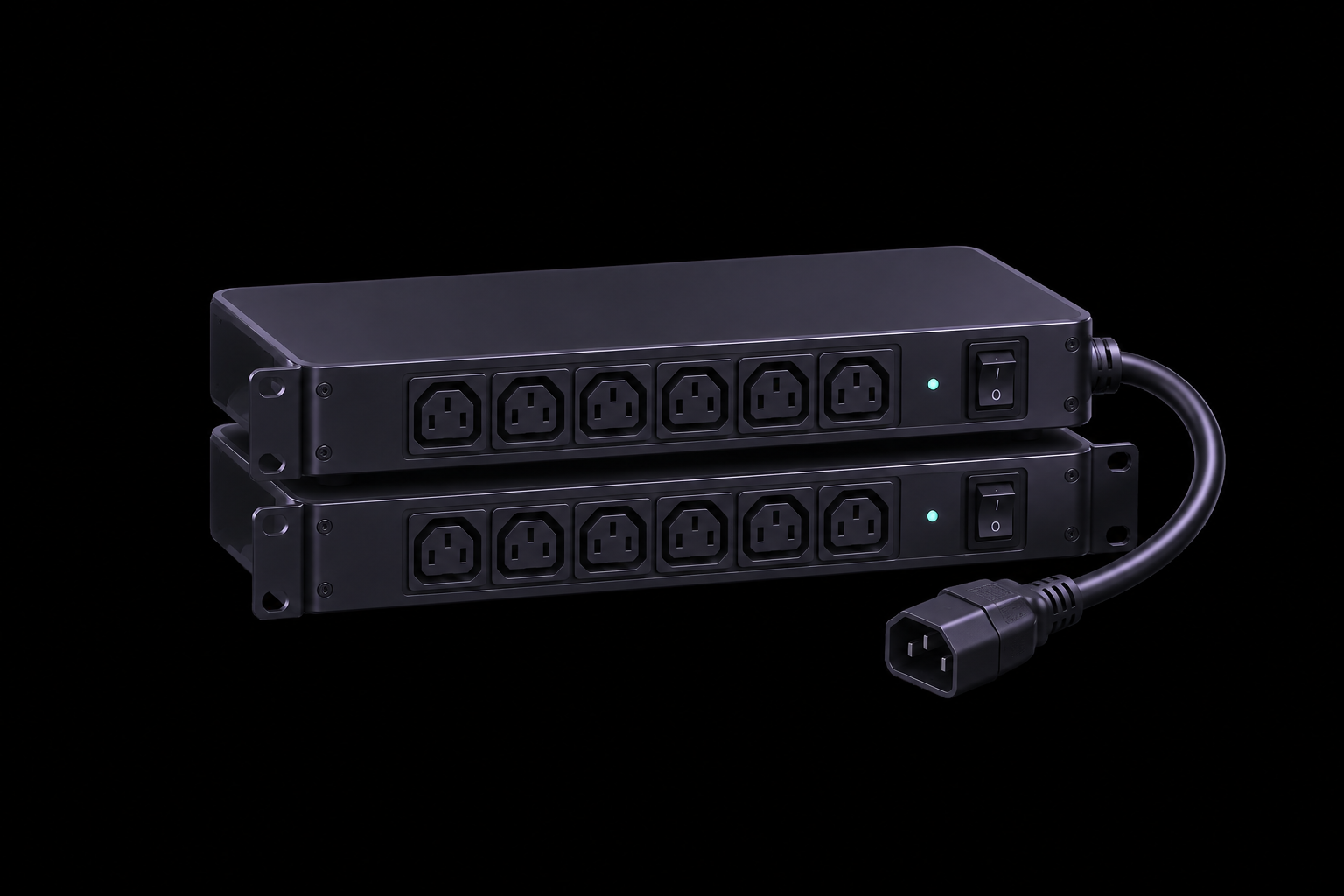
Your hardware, professionally housed. Plan rack space, power, connectivity, and on-site support around your equipment.
Plans are confirmed against hardware, power, and network needs
What lives on-site
Start with what the hardware actually depends on: space, power, network, and a clear path for on-site work.
Use device count, form factor, and expansion plans to define U space or rack requirements.
Move-in path
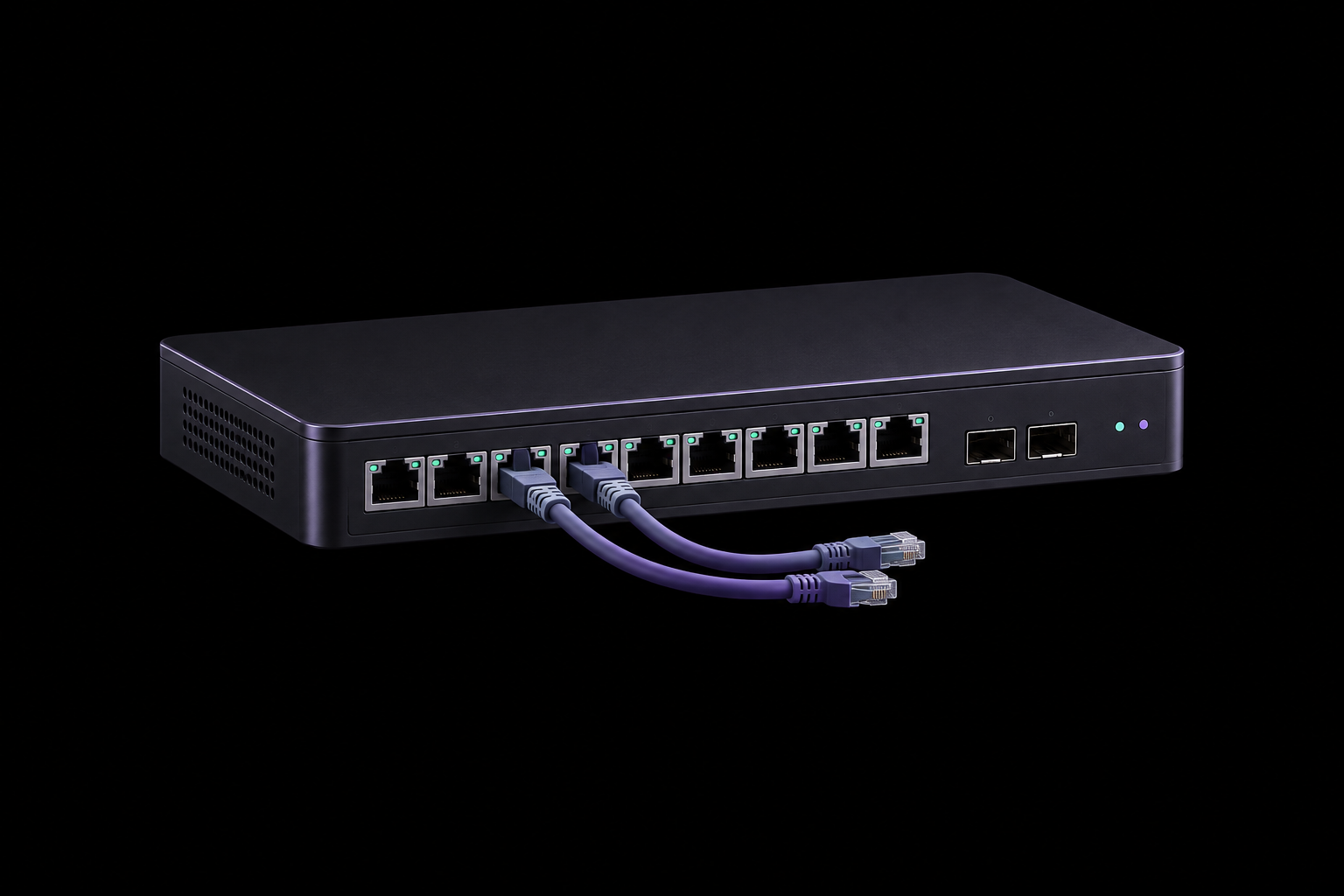
Colocation is more than moving a server into a room. Hardware, power, network, and operating boundaries are confirmed before move-in.
List hardware quantity, size, power, and network needs.
Confirm space, power, bandwidth, and service boundaries.
Coordinate timing, racking, cabling, and connectivity checks.
Route on-site and after-sales requests through agreed channels.
Remote hands
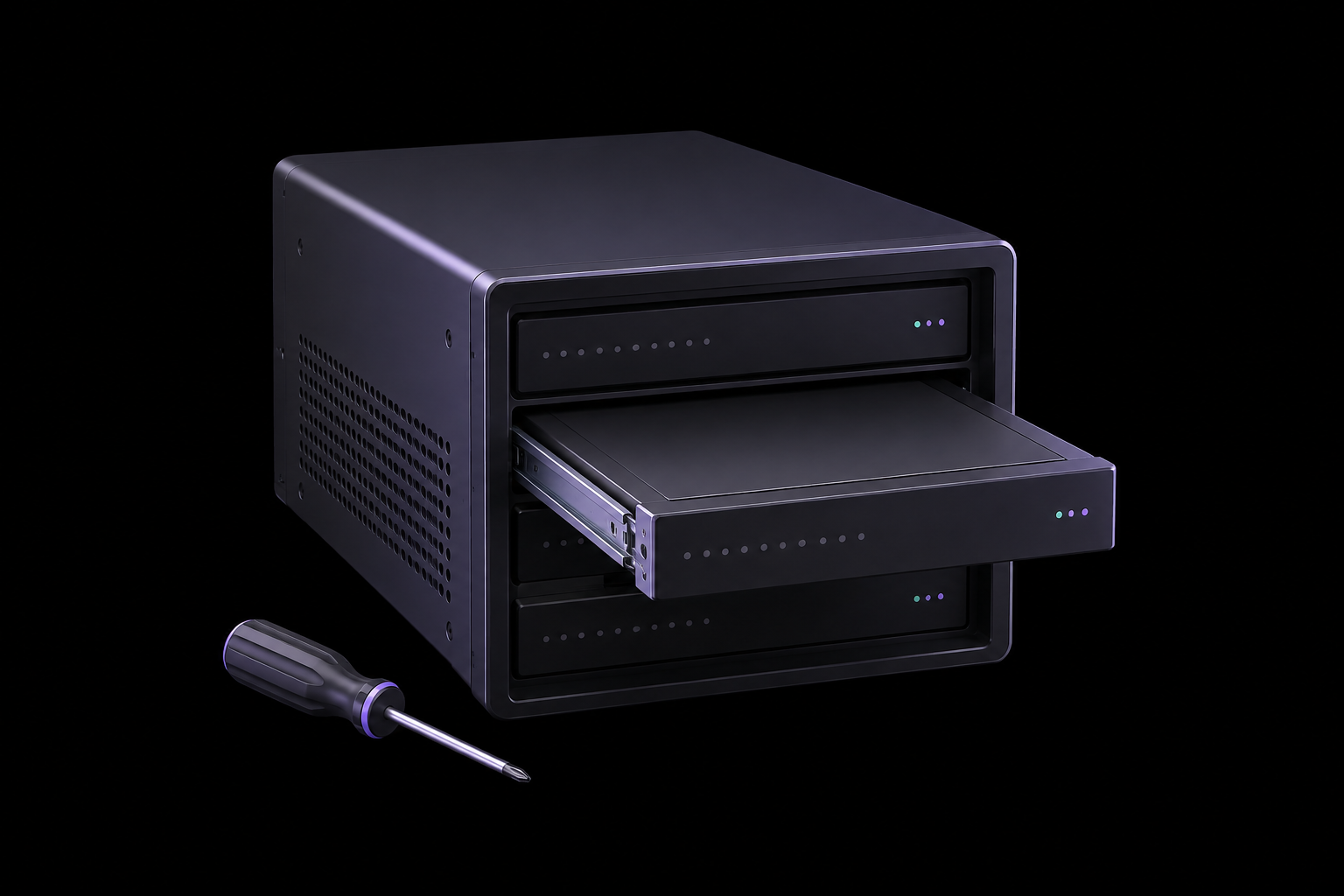
Putting hardware in a facility should not leave every physical action to chance. Clear targets, timing, and outcomes make assistance executable.
Share device quantity, power draw, and network requirements so we can confirm a workable plan.